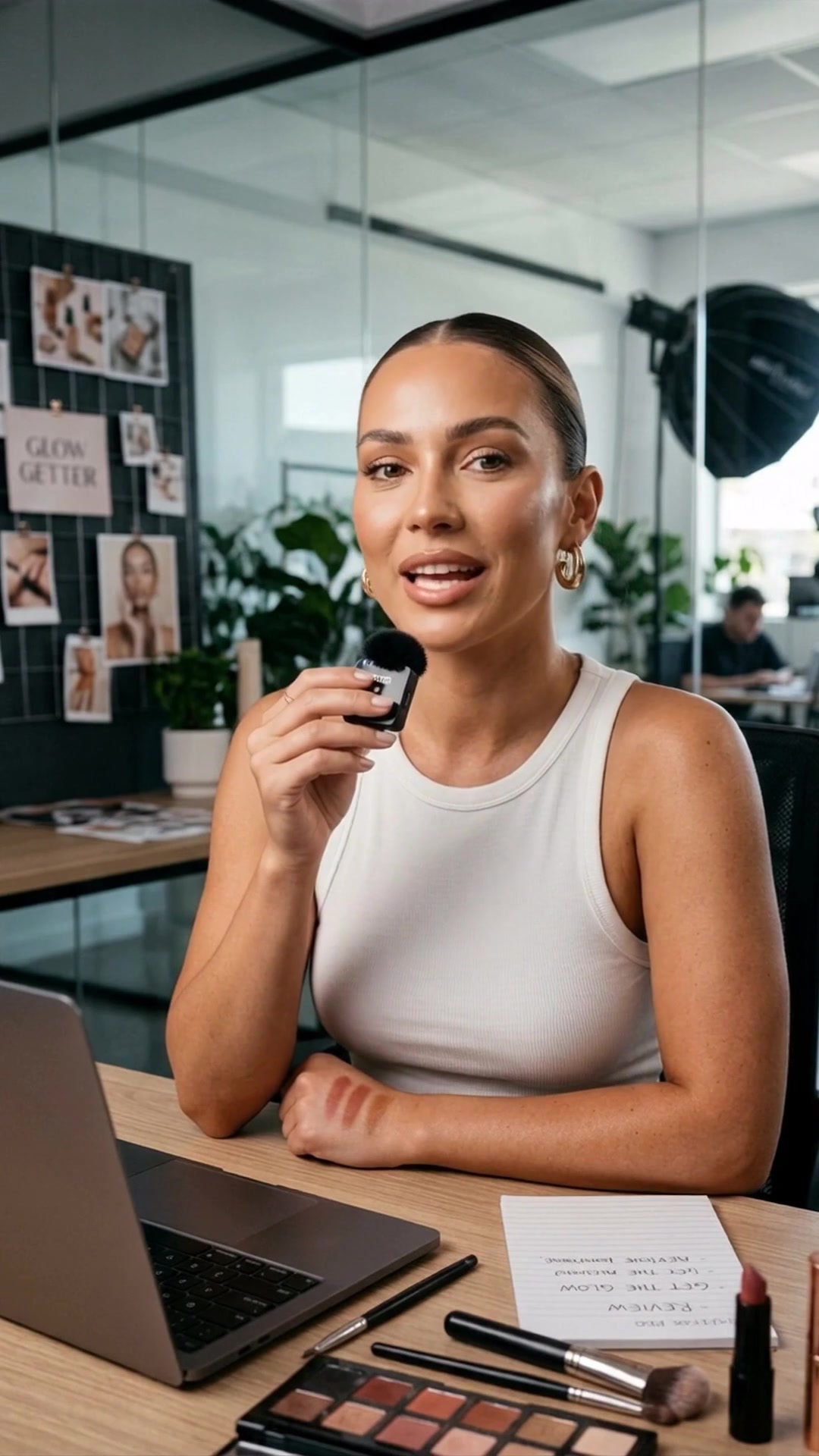
Early access open

From script to AI talking head videos in minutes.
One workflow. No tab juggling.

ElevenLabs voice. HeyGen avatar. Captions. Export. All inside one workflow. Built for the AI podcast clips eating Instagram right now.

See how it works
Why now

AI podcast clips are eating Instagram.

Hundreds of thousands of views on accounts under 10K followers. The format is doing the heavy lifting BUT scaling the workflow has been the bottleneck... Until now!

Looks polished & premium

Studio backdrop, real mic, real-looking person. No camera crew, no editing rig, no studio rental.

Parasocial by default

Talking head plus podcast framing feels like a real conversation, not a marketing post. People watch, share, save.

Triggers the algorithm signals

Talking head, captions, hook-driven script, hold to the end. Same signals as real podcast clips. Same distribution.

From my own account

Same workflow. Real reels.

Every clip below was made with this exact pipeline. Posted to @imanoubou and @justamara.ai. Numbers are pulled straight from Instagram.

The problem

Five tools. Twelve steps.
Most people quit before step four.

If you've ever tried to make one AI podcast clip, you know the drill. Here's what we cut out.

The old way

What it takes to make one clip today

  • ×Write your script in Notion or Docs
  • ×Open ElevenLabs. Paste it. Pick a voice. Tweak stability and style.
  • ×Generate. Regenerate twice because it sounds robotic.
  • ×Download the mp3. Find it in your Downloads folder.
  • ×Open HeyGen. Upload your avatar photo. Upload the mp3.
  • ×Wait for the render. Download the video.
  • ×Open CapCut. Add captions. Pick a font. Pick a color. Export.
5
tools to learn
12+
steps per clip
3
random downloads
The Muzecast way

One screen. Connected once. Done.

  • Paste your script. That's the only thing you bring.
  • Voiceover pulled from your ElevenLabs voices, the best audio AI model out there.
  • Upload an avatar photo or pick from your saved HeyGen avatars. Powered by Avatar IV.
  • Captions positioned and styled to what's working on Reels.
  • Export. Post.
  • Or hand the whole flow to Claude in your browser. Walk away.
1
workflow
4
steps total
0
downloads in between
How it works

Four steps. Built around speed and quality.

Fast enough to batch a week in one Sunday. Polished enough to look like real production.

muzecast.ai/create
ScriptVoiceAvatarVideo
01 · Enter your script
Write yourself✦ Use Claude AI
[excited] did you just think that was real? i've been testing fish audio's s2 pro and the emotion control is genuinely insane. cloned my voice in under a minute, then started throwing different moods at it — and it actually sounds human. [reflective] you can type something like laughing through tears or voice breaking with guilt and it just... interprets it. i picked sobbing, hit generate, and got this: i kept waiting for things to get easier, but maybe the struggle was always the point. [whispers] tell me that doesn't sound like a real person. you're not picking from some flat dropdown — you describe the feeling and it performs it, like a voice actor on call. content, voiceovers, ai videos, avatars — this changes things. comment wave and i'll send you straight to it.|
↑ Upload Script847 characters
02 · Voice & audio
Alectra 2.0
Stability 0%
Style 90%
✨ EnhanceGenerate speech
Audio history
v1 · Alectra
Selected
03 · Choose avatar
Avatar
↑ Upload new photo
Audio
0:41
Select Avatar
Generate video
04 · Your video is ready!
Final video
↓ Download VideoCreate Another

Auto-loop demo. Each step takes about three seconds. Real workflow, real product.

If you're hesitating

The three reasons people don't start.

“I'm not technical enough for this.”
You paste two API keys once. We walk you through where to find them inside ElevenLabs and HeyGen. If you can copy a string into a box, you can run Muzecast. After setup, you never touch the technical side again.
“I don't have an audience yet.”
The accounts hitting six-figure views with this format are mostly under 10K followers. The format builds the audience. You don't need permission, a brand, or a following to start. You just need to post.
“I don't have time for another workflow.”
Each clip takes about ten minutes once your script is ready. Block one Sunday and batch a week's worth. Or hand the whole thing to Claude in your browser and let it run while you work on something else.
Common questions

Quick answers.

Do I need ElevenLabs and HeyGen accounts?+
Yes. V3 voices live on the paid ElevenLabs tiers, Avatar IV is on the paid HeyGen tiers. You bring your own keys so you stay in control of your accounts, pricing, and credits. We never resell their compute.
Why not just bake those tools in?+
Two reasons. One, their pricing changes constantly and we don’t want to mark it up. Two, this way you own your assets. Your voice clones and your avatar library live in your accounts, not ours. You can leave Muzecast anytime and your work is still yours.
Can I use my own ElevenLabs voice clone?+
Yes. Connect your account with Voices set to READ and WRITE, and your clones show up in the voice picker. You can also clone a new voice directly inside Muzecast.
What format does it export?+
1080p or 720p. Portrait 9:16 for Reels, TikTok, Shorts. Landscape 16:9 for YouTube. Captions burned directly into the video so you don’t need a separate captioning pass.
What's the "Claude takes over" feature?+
Optional. If you’ve got the Claude Chrome extension, you can give it your script and it will run all four steps for you while you do something else. You approve the final video before export. Hands-off batch production.
How much does it cost?+
$179 one-time for lifetime access, which includes 12 video credits. After that, you can buy more video credits or connect your own ElevenLabs and HeyGen API keys for unlimited generation. No monthly subscription.
Read full FAQ & API key setup guide →

Stop juggling tabs.
Start making clips.

Get early access. Connect your accounts in 2 minutes. Post your first AI podcast clip today.

Free during early access. Bring your own ElevenLabs and HeyGen keys.